



Country / region
João Pessoa is in Brazil. Its GeoNames reference point is -7.115°, -34.86306°.
Check local times and compare cities at a glance.
View all →Plan by date and explore holidays and celebrations worldwide.
View all →Follow local time and traditions to discover each city’s rhythm.
View all articles → English
 Español
 Português
 Deutsch
 Français
 日本語
日本語
 한국어
한국어
 简体中文
简体中文
 繁體中文
繁體中文
 Dansk
Dansk
 Italiano
 Magyar
 Nederlands
 Norsk
Norsk
 Polski
 Suomi
Suomi
 Svenska
 Türkçe
 Ελληνικά
 Русский
 Українська
 עברית
עברית
 العربية
 Español (México)
 Čeština
Català
Čeština
Català
 Română
 Bahasa Indonesia
 Tiếng Việt
 हिन्दी
 ไทย
ไทย
 বাংলা
বাংলা
 Slovenčina
 Slovenščina
 Hrvatski
 Eesti
Eesti
 Latviešu
 Lietuvių
 Български
 Bahasa Melayu
 Filipino
 Српски
ગુજરાતી
ಕನ್ನಡ
മലയാളം
मराठी
ਪੰਜਾਬੀ
தமிழ்
తెలుగు
Српски
ગુજરાતી
ಕನ್ನಡ
മലയാളം
मराठी
ਪੰਜਾਬੀ
தமிழ்
తెలుగు
 اردو
اردو
João Pessoa, Brazil
Saturday, October 24, 2026
 João Pessoa · America/Fortaleza
See the time difference between João Pessoa and other cities and easily arrange calls, meetings or travel.
Enter a date and local time in one city to find the corresponding time in another.
See day and night across cities and find a time that works for everyone.
Hover over the timeline to preview local times, or click to select a meeting time. The keyboard-accessible slider moves in 15-minute steps. Day and night are estimated from the sun’s position. Working hours use 09:00–18:00 and Unicode CLDR regional weekend rules; public holidays and individual schedules are not included.
Follow the city from dawn to night.
Source: NOAA / Aviation Weather Center. Station observations do not describe conditions across the entire city.
Confirm the route before departure and leave more time for João Pessoa.
Check the destination, transfer location and estimated transportation time first; the airport and urban areas may require different tickets.
João Pessoa is in Brazil. Its GeoNames reference point is -7.115°, -34.86306°.
The IANA time zone is America/Fortaleza; the current offset is UTC-03:00. Check your travel date when local clock rules change.
Confirm the exact airport or station, timetable and fare with the operator before booking.
These links search the map; confirm each address and opening hours before visiting.
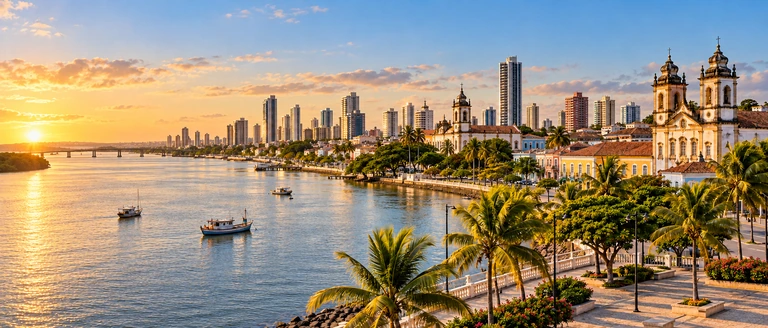
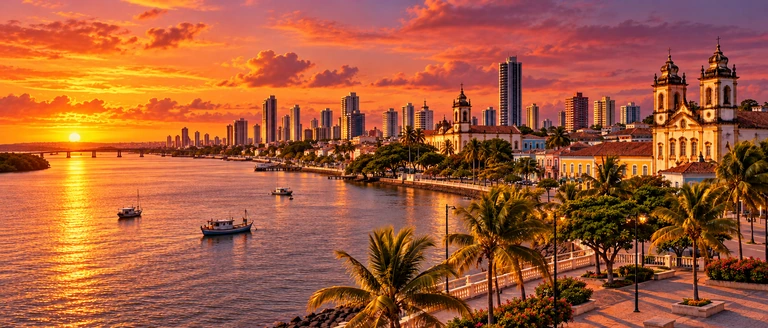
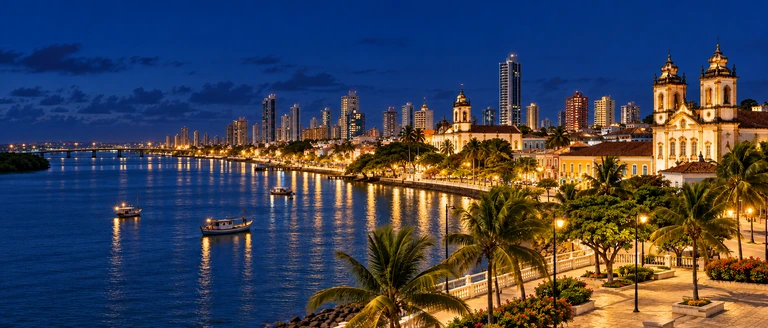
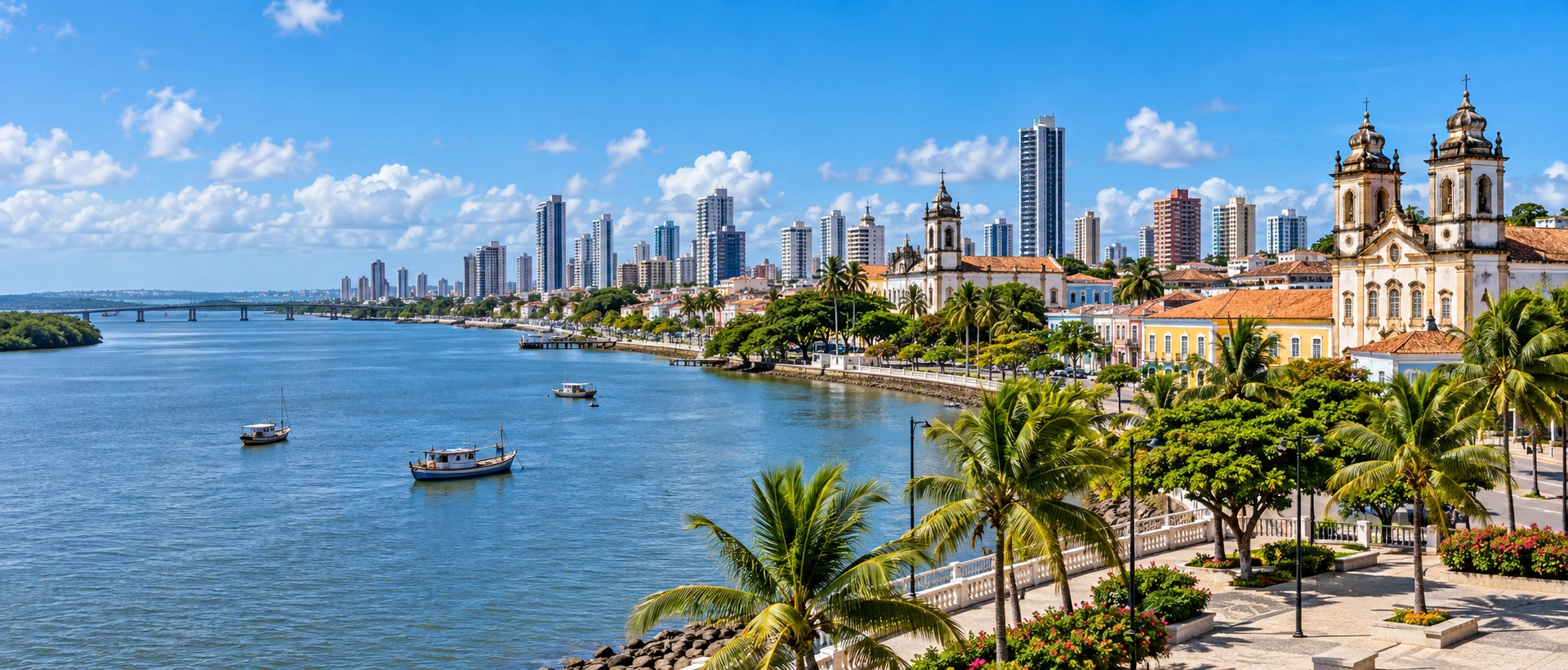
AI-generated city scenes, not live photographs.
BrazilJoão Pessoa has no clock changes in 2026 and uses UTC−03:00 throughout the year. Its time difference from a city that observes daylight saving time may still change when that other city adjusts its clocks.
One moment. Different cities.
João Pessoa is currently 11 h behind Taipei. Use the converter below for another date.
The IANA time zone for João Pessoa is America/Fortaleza, with a current offset of UTC-03:00. Saving an event with its city time zone rather than a fixed UTC offset lets your calendar apply the rules for its date.
According to the current time zone data, there is no clock adjustment record this year, and the UTC offset is the same throughout the year. Time zone rules may be revised by local authorities; please check again for important itineraries.
Move the mouse to preview the time in each city at the same time; the blue conference area will be updated after clicking. Light yellow and light blue represent day and night, and the thin line at the bottom represents general working hours. The plus and minus buttons in the upper right corner zoom in to a 3-hour range, or zoom out to view the entire day.
First select the date, time, meeting length and city, then click "Add to Google Calendar". The new tab will bring the start and end time of the meeting and a time summary for each city, and finally you will confirm and save it in Google Calendar. You can also download .ics and import it into other calendars.
Some cities using daylight saving time skip local times in spring and repeat local times in autumn. This timeline follows actual elapsed time. For a repeated local time, choose the first or second occurrence. If a local time does not exist, the converter asks you to choose another.
A guide to time zones, daylight and international meetings for daily life and travel in João Pessoa.
João Pessoa is located in Brazil, using the America/Fortaleza time zone. The current local time corresponds to UTC-03:00. A time zone name represents a set of time rules that apply to a date, and is not exactly the same as "fixed plus or minus a few hours." When arranging cross-border contact, first confirm the city, date and time zone, and then check the date of the other party.
The phone usually displays the time zone set by the device. Even if its clock is perfectly correct, it won't automatically know which city your invitation is based on. Writing "João Pessoa local time" into the meeting invitation and using calendar events that include the time zone can reduce errors in mental arithmetic between both parties.
Select João Pessoa in the converter so it can apply the rules for America/Fortaleza. If your plans cross a clock change, check that recurring meetings still take place at the times everyone expects.
Current data lists no clock changes for this city this year. Even with a fixed local UTC offset, its time difference from cities that change their clocks may vary during the year.
If your flight, duty or activity happens to be in the early morning of the day when the clock is adjusted, please confirm which clock time is provided by the organizer. The converter on this page will indicate a time that does not exist; if the same time appears twice, it will provide two UTC offsets for you to choose from. Meeting exports are recorded with clear UTC start and end times.
João Pessoa is currently 11 h behind Taipei. Use the converter below for another date.
Compare the dates as well as the times. One city may already be in the next day while another is still in the previous evening. Include the city and date when suggesting a call, for example, Friday at 10:00 in New York. The city comparison shows both local dates, and the converter handles changes of date automatically.
Add the cities involved in your meeting to compare up to six locations. Each row shows the local date, estimated day and night, and a reference working period of 09:00–18:00 that excludes regional weekends. Yellow and blue indicate daylight and night; the thin bar below marks working hours. Daylight alone does not mean someone is available.
Start with the full-day view to find overlapping availability, then zoom in to a 12-, 6- or 3-hour range. Hover to preview local times and click to select the meeting start. The meeting duration is shown too, so you can check when it ends. On a phone, swipe the timeline horizontally or use the slider below.
With participants across Asia, Europe and the Americas, a comfortable time for everyone may not exist. Consider shorter meetings, sharing materials beforehand, or rotating early and late calls. The planner shows time differences clearly, but participants should still confirm their calendars and work schedules.
This page compares a standard working day of 09:00–18:00, excluding regional weekends defined by Unicode CLDR. This is a planning aid: actual business hours, public holidays and personal schedules may differ. Check the organization’s published hours before contacting it.
Flight and transportation tickets are usually marked with the local time of departure and arrival. Don’t just subtract the time on the ticket to estimate travel time; consider both the date and time zone. When arranging airport pick-up, transfer and accommodation check-in, allow for luggage collection, immigration and urban transportation.
The header shows AI-generated city scenes for morning, daytime, sunset and night. The scene changes with the city’s estimated daylight, rather than the time at your location. These illustrations are not a live camera feed, and architectural details may differ from the real city. The sun’s position, season and latitude determine the scene shown.
There is twilight after sunset. When arranging a walk or city photography, you can think of before and after sunset as a time to observe the light; cloud cover, terrain, architecture and viewing direction will also affect the actual brightness of the sky you see. This page shows estimates of city reference coordinates, suitable for general itinerary planning.
The weather block uses recent observations from nearby stations and lists the station code, distance and observation time. It reflects conditions where the measuring station is located and does not mean that the entire city has the same weather in every neighborhood. The page does not extend the observation data into future hourly forecasts.
When the data is temporarily unavailable or expired, temperature and meteorological values will be displayed as not provided. Clocks, time conversions, and astronomical estimates still work. If you need rainfall trends, disaster warnings or hour-by-hour forecasts before going out, please also check the local weather agency.
The live clock synchronizes with the CityTimeDate server when the page opens and periodically in the background. Both server and browser use IANA 2026e time zone data, avoiding differences caused by older device or PHP rules. The converter supports 1900–2100. The database still needs updating when authorities change future rules.
Astronomical times are calculated with SunCalc. Nearby weather observations come from NOAA / Aviation Weather Center. The reference-check date and any city identity caveats are displayed above. GeoNames data is used under CC BY 4.0. Geographic reference matching does not verify every travel fact or the buildings shown in an illustration. The hero image is an illustrative city scene, not live weather. Sunrise and sunset are estimates for the reference coordinates; models, terrain and atmospheric conditions affect the actual view.